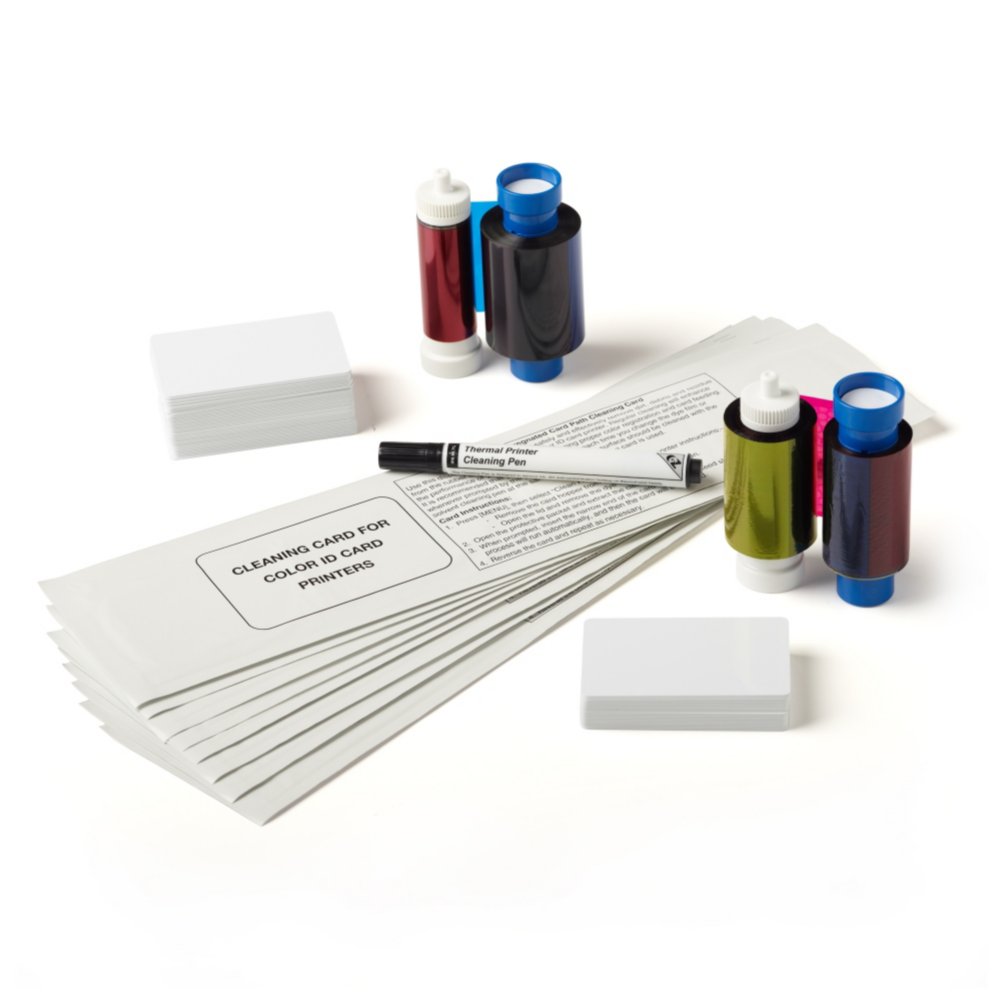
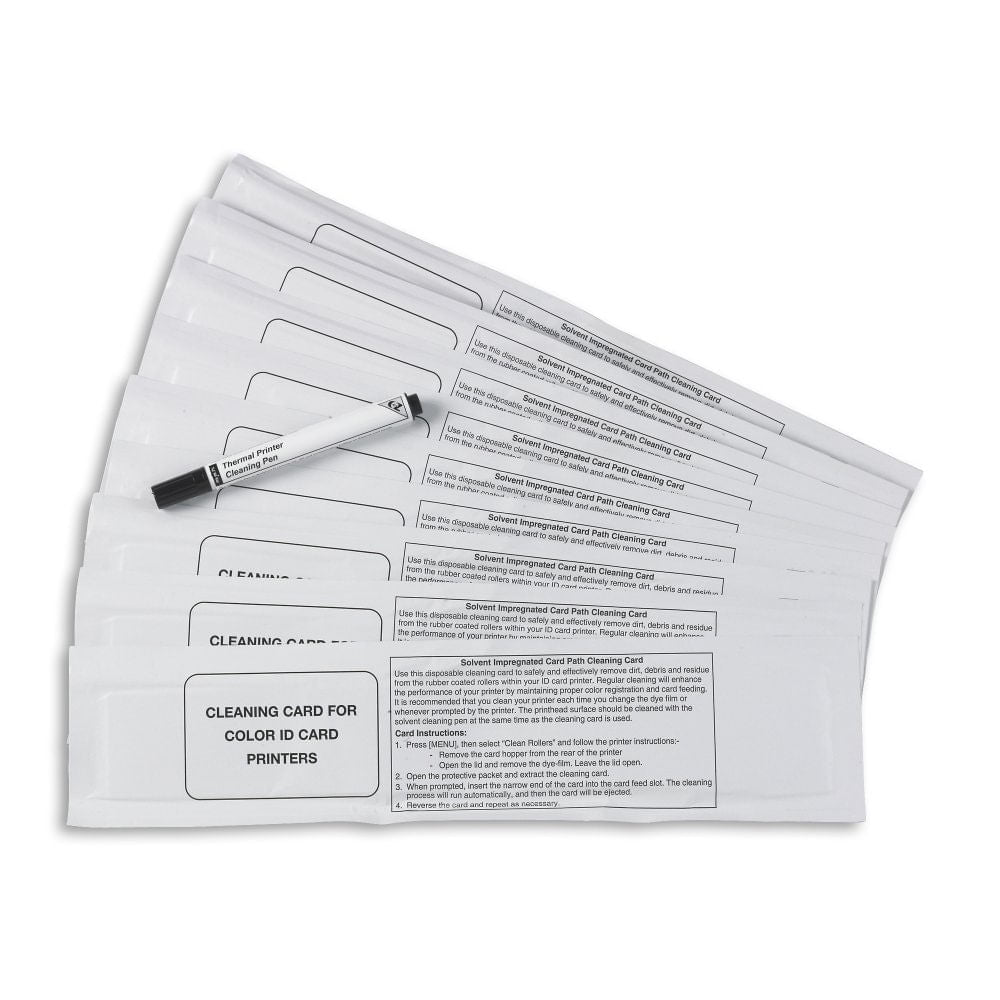
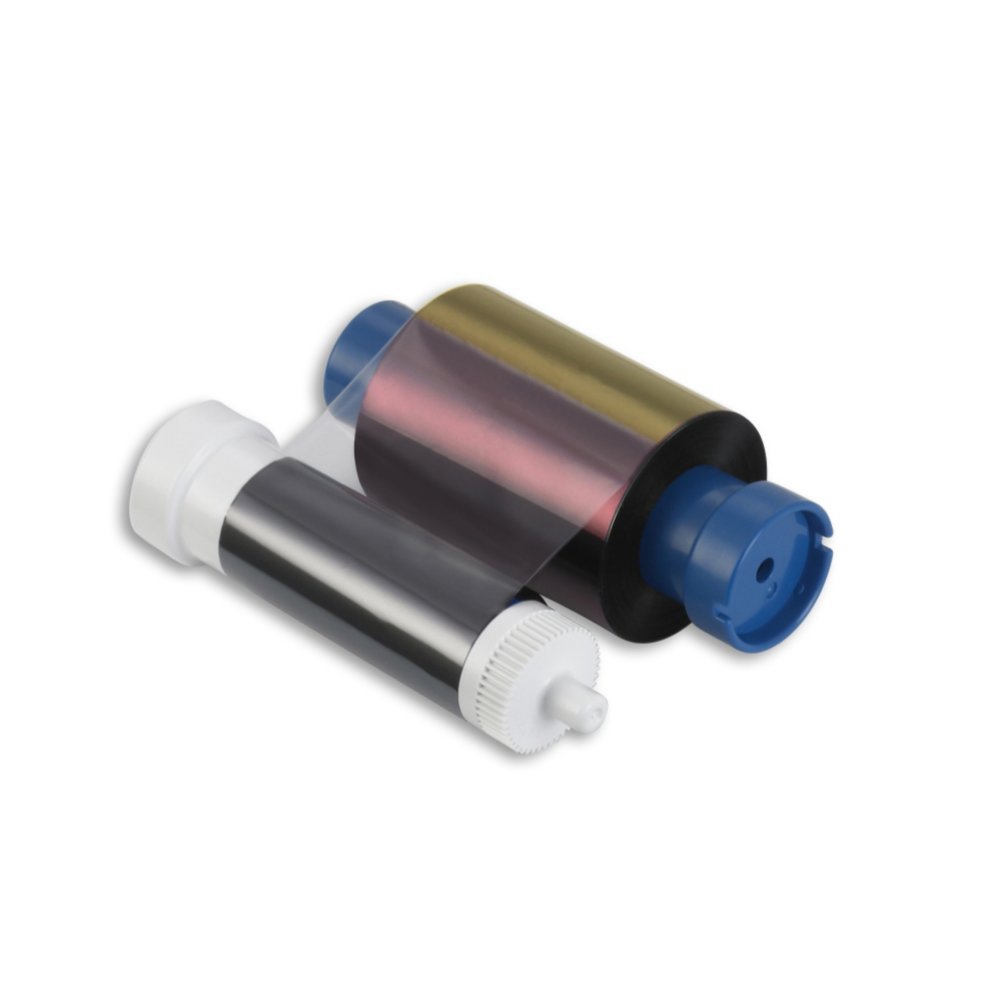
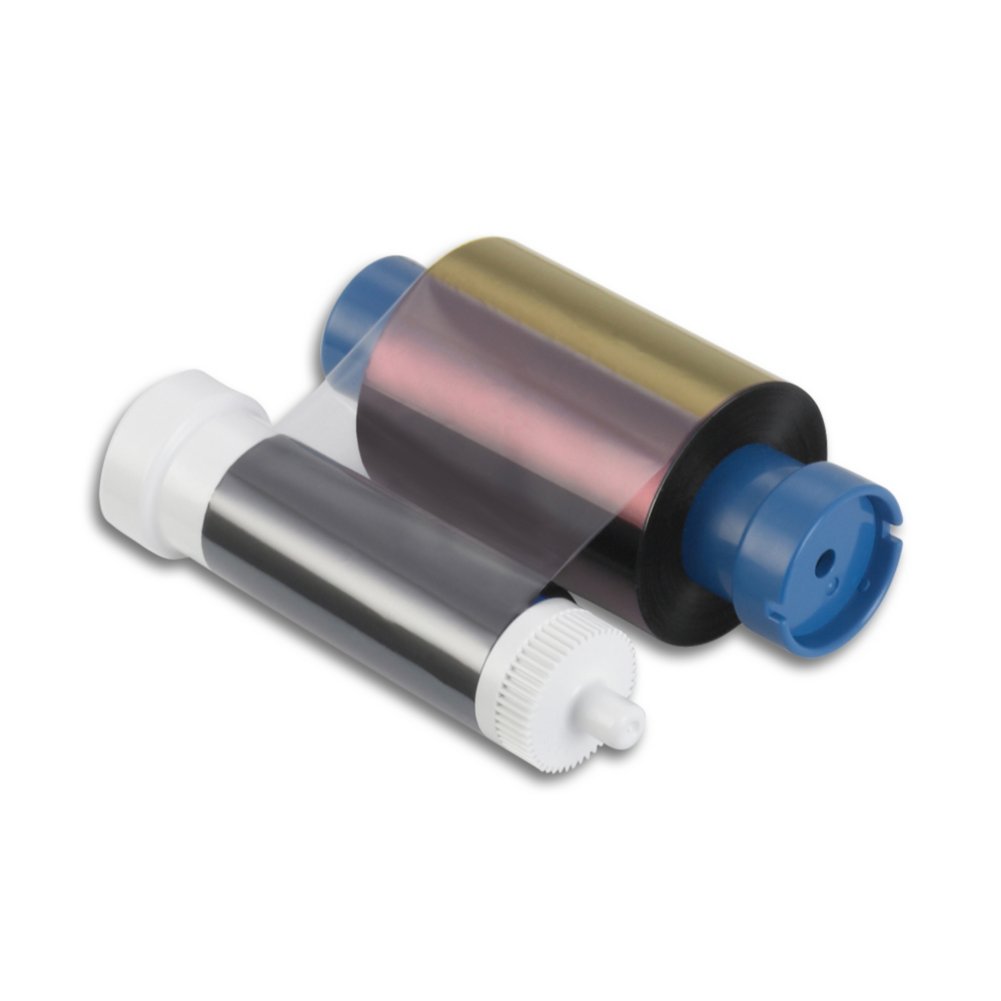
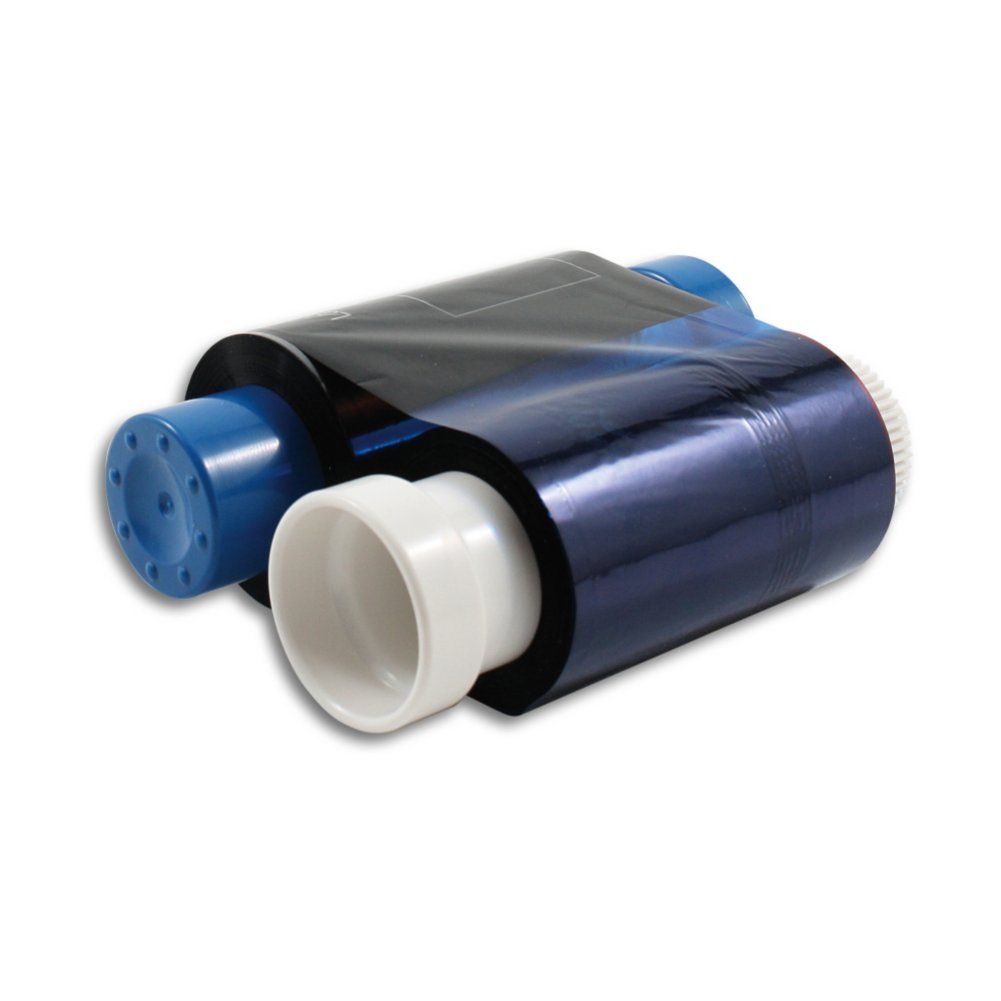
Clean your printer by following the printer-specific cleaning routine found in the printer manual. If the main print roller is not perfectly clean, the card can slip during the printing process, causing the film to break or stick to the card.
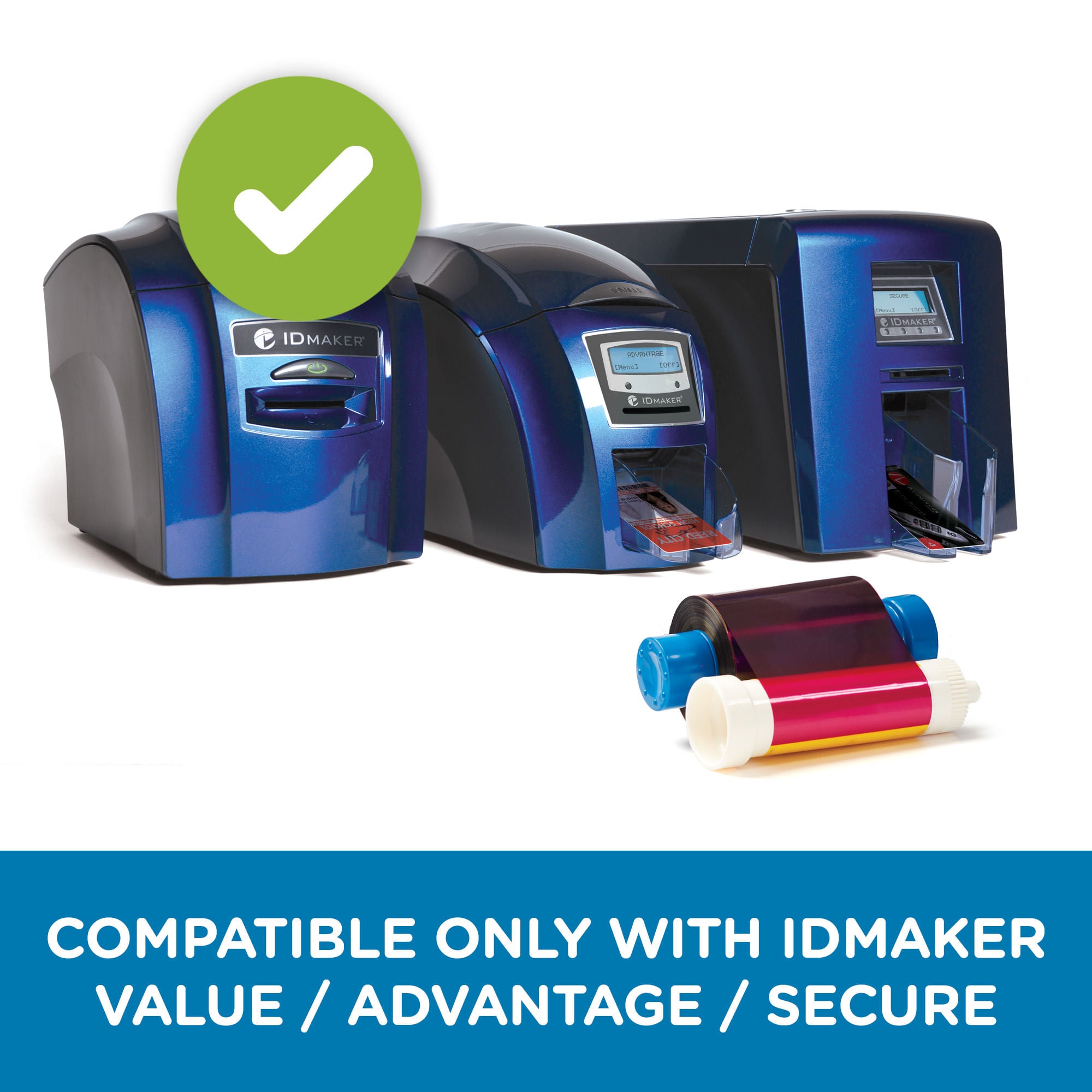
If you clean your ID card printer and the problem persists, the printer is most likely printing at too high a density. Changing the printing density can be done within the ID card software; however, we recommend contacting your software supplier for assistance, as this option may be difficult to locate in the menu. If you are using ID Maker software, give us a call for help. If you do choose to go about it alone, we suggest reducing the print density by 200 points and testing it. Note that reducing the density will result in a lighter print.