
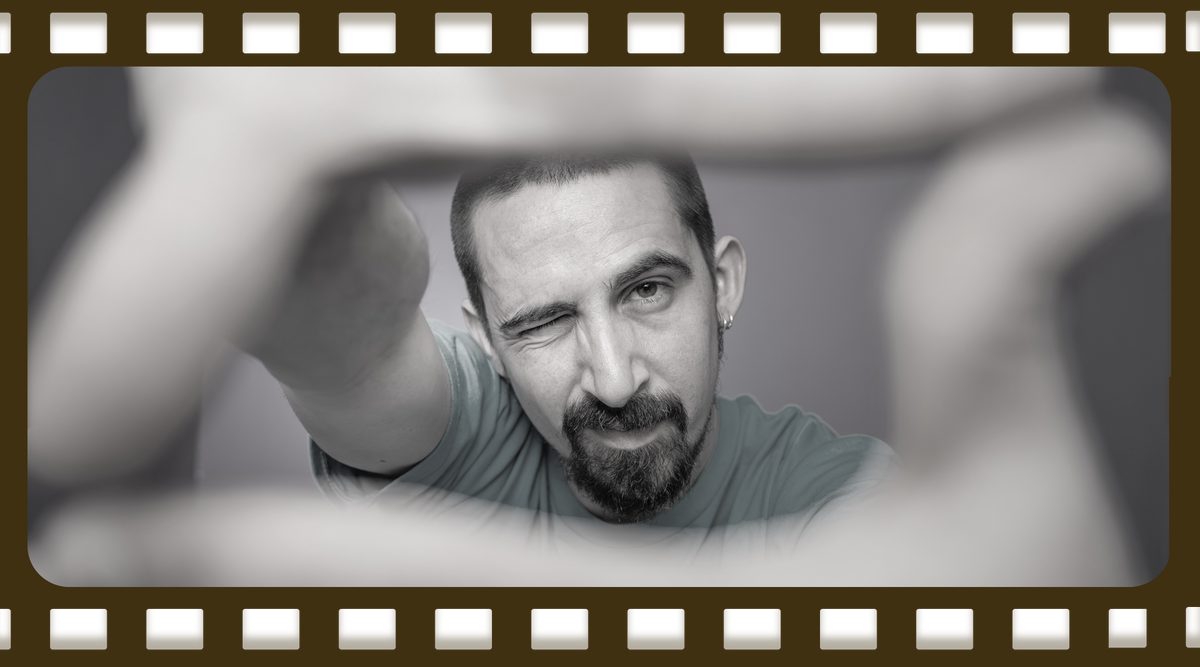
How to Take the Perfect ID Badge Photo (Step-by-Step Guide)
Let’s be honest, ID badge photos don’t always get the love they deserve. But unlike your driver’s license, your badge is front and center every day, representing both you and your organization.
The good news? A great ID photo doesn’t require a professional studio, just a few smart choices.
This guide breaks down exactly how to take a clear, professional, and consistent ID badge photo.
Quick Answer: What Makes a Great ID Badge Photo?
A great ID badge photo is:
- Well-lit (no harsh shadows or glare)
- Framed correctly (head and shoulders visible)
- Taken against a plain background
- Sharp and clear
- Professional but approachable
Following a few simple best practices can dramatically improve badge quality across your organization.
Tips for Individuals: Look Your Best on Your Badge
1. Wear the Right Outfit
What you wear matters more than you think.
Best choices:
- Dark or mid-tone colors (navy, black, green, soft blue)
- Simple, solid tops
Avoid:
- Bright white, nude, or overly light colors (they can wash you out)
- Busy patterns or loud designs
👉 Think “clean and professional”—not distracting.
2. Keep Hair Neat and Away from Your Face
Your face should be fully visible for easy recognition.
- Style your hair as you normally would
- Keep it off your eyes and face
- Avoid drastic changes just for the photo
Consistency = better identification.
3. Practice a Natural Expression
No forced smiles here.
- Go for a relaxed, natural smile
- Avoid overly serious or exaggerated expressions
- If you prefer not to smile, simply relax your face
👉 The goal: approachable, not awkward.
4. Look Directly at the Camera
It sounds simple, but it’s a common mistake.
- Keep your eyes focused on the lens
- Avoid looking off to the side or above the camera
5. Relax (Seriously!)
A tense photo shows… instantly.
- Take a breath before the shot
- Drop your shoulders
- Remember: you can always retake it
Tips for Photographers & ID Program Managers
Managing ID photos for a team? These tips ensure consistent, professional results across every badge.
1. Use Even, Flattering Lighting
Lighting can make or break your photos.
- Choose a well-lit area
- Keep lights at least a few feet away to avoid glare or squinting
- Avoid strong shadows on the face
👉 Aim for soft, even lighting that clearly shows facial features.
2. Choose a Plain, Neutral Background
Keep the focus where it belongs—on the person.
Best options:
- White, light blue, beige, or neutral tones
- Plain wall or photo backdrop
Avoid:
- Busy environments or pattern
3. Position the Subject Correctly
Consistency is key for a polished badge system.
- Stand about 1 foot from the background (reduces shadows)
- Frame head and shoulders only
- Keep the camera at eye level
4. Check Framing and Angle
Every photo should follow the same structure:
- Head centered
- Shoulders visible
- No extreme angles
- No excessive zoom
👉 This keeps all badges looking uniform.
5. Always Review Before Finalizing
Don’t skip this step.
- Check clarity, lighting, and expression
- Retake if anything looks off
- If you don’t like it, they won’t either 😉
Pro Tips for Consistency Across Your Organization
For organizations managing multiple employees:
- Use the same background for every photo
- Keep lighting and distance consistent
- Standardize pose and framing
- Save files consistently (naming, format, quality)
This makes your ID program look polished—and improves recognition and security.
Why Better ID Photos Matter
A high-quality ID badge photo helps:
- Improve security and identification
- Create a more professional workplace image
- Reduce reprints and retakes
- Build trust across teams and visitors
Simply put: better photos = better badges.
Final Takeaway
Taking a great ID badge photo isn’t complicated; it’s about consistency, clarity, and confidence.
Whether you’re snapping one photo or managing hundreds: Small improvements in lighting, framing, and setup lead to big results.
Want Better ID Photos Without the Guesswork?
IDville makes it easy to create consistent, professional badge photos with complete ID systems designed for simplicity and quality.



Leave a comment
All comments are moderated before being published.
This site is protected by hCaptcha and the hCaptcha Privacy Policy and Terms of Service apply.